Chúng tôi có thể giúp gì cho bạn?

Không tìm thấy nội dung mà bạn muốn tìm?
Bài đăng mới1 bình luận
-
Hi catherine.martell,
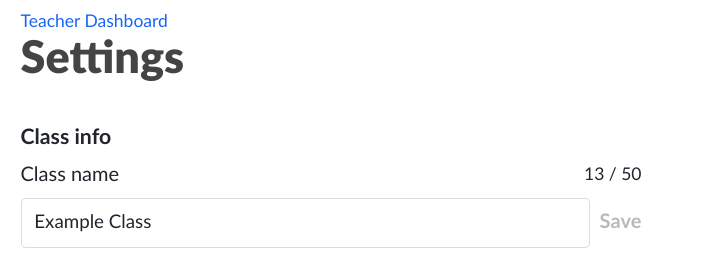
To change the name of your class, first go to the class page from the teacher dashboard, and then select "Settings" on the right menu. Type in the new class name, and then click "Save" once you are done.
I hope this helps! Please let me know if you have any further questions.

Vui lòng đăng nhập để lại bình luận.