How do you follow someone's post or mark it as helpful?

If you find a post you like you have several options including:
1. rate their post as helpful
2. follow them
Out of these options, you can choose them all, or just choose one or the other. Here are some examples:
Haley liked a post by @Brenda.Support,
How do I change my avatar?
and wanted to follow it in case she ever needed it again. So, she clicked on it and in the top right hand corner, there was a white button with blue letters on it, reading "Follow." (I actually do follow this post, I needed it a while back and it really helped.)
She clicked it and then it took a new look:
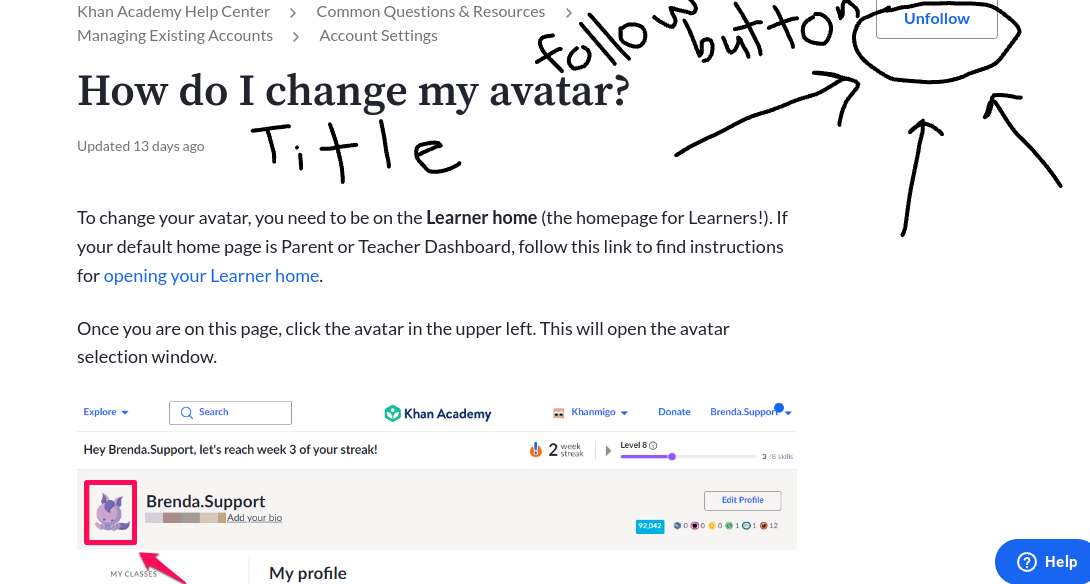
Click the picture to view it or on your keyboard, press "Ctrl+." To shrink it again, press "Ctrl-."
Next, Haley wanted to mark @Brenda.Support 's post as helpful, so she went down to the bottom of the screen and clicked this button:
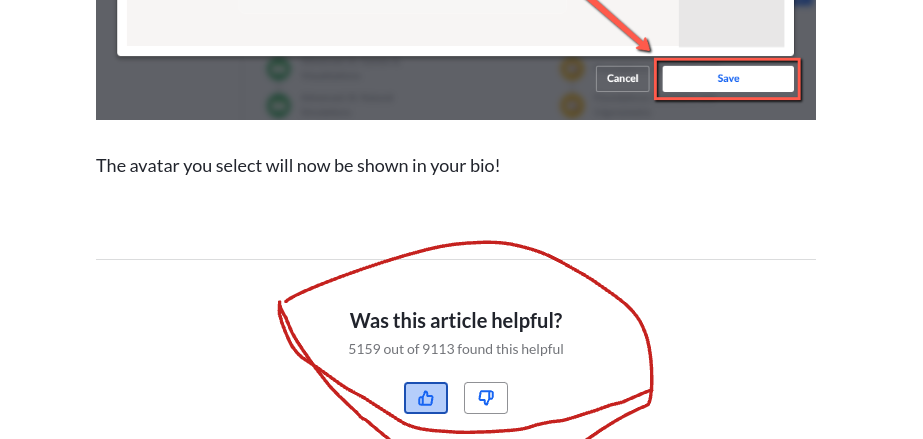
You can also mark it as unhelpful.
Haley also wanted to find a post on how to put a comment under her nickname (this is hypothetical), so she goes back to the "Community" tab and searches for one. She finds
"How do I ask questions under the videos?"
She finds a piece of a comment very unhelpful, so she marks it as "disliked."
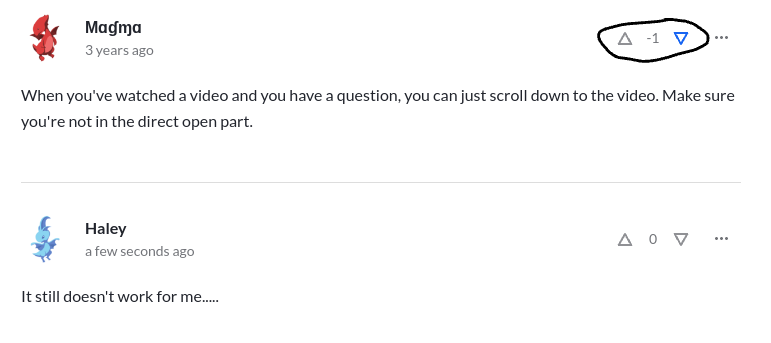
Some posts don't have the option to like them, but some do give you the option. Also, sometimes, such as the ones you see in the "Community" tab. I have not figured out how to yet, but I will do my research.
I hope this helped!! If you want to help me in return, comment a way to ask questions under videos.... I don't know how!! 🥺
P.S. Make sure to follow this post!! Thanks for the reference, Brenda!
https://support.khanacademy.org/hc/en-us/articles/115007749488-How-do-I-change-my-avatar
Yorum yazmak için lütfen oturum açın.