drawing tools in course mastery???

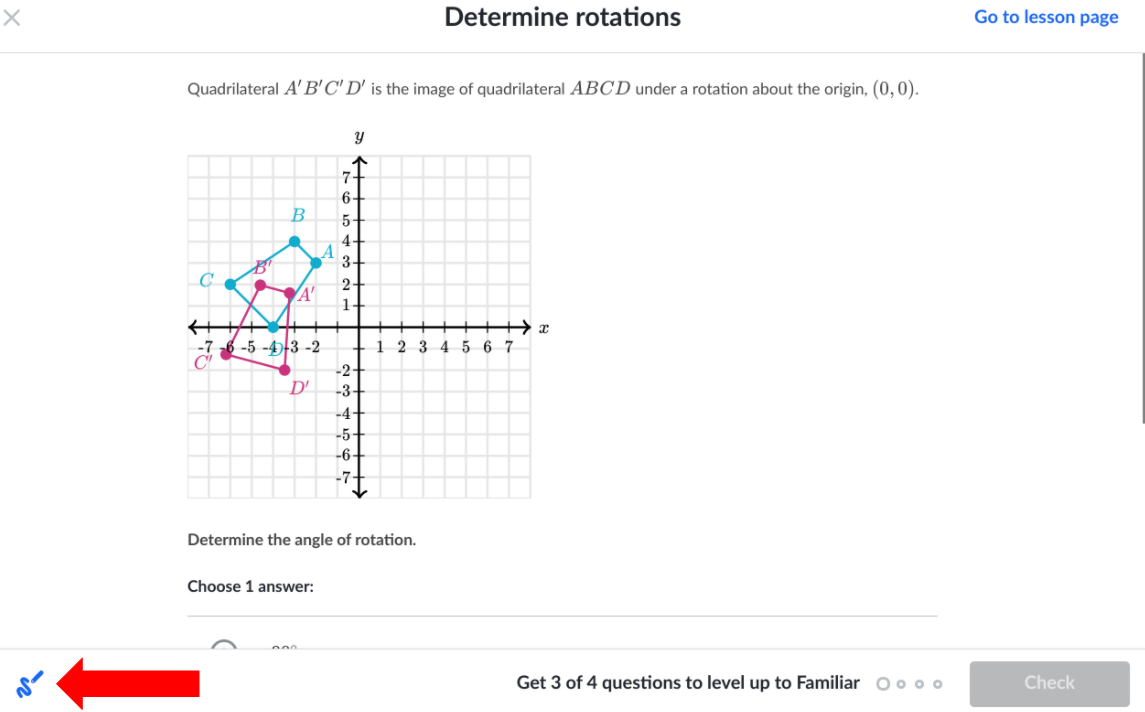
I have always used Missions for math in the past. In an attempt to transfer away from missions, I was working on Determining Rotations in the high school geometry course (not missions). It showed me how to determine the center of rotation by finding where the perpendicular bisectors meet. Then it told me to try it. It gave me a pre-image and image of a triangle and asked which of four points could be the center of rotation. However, I couldn't find any drawing tools! Missions has drawing tools available for every problem. From what I could tell, the perpendicular bisector problem wasn't even drawn on a grid or cartesian plane, which would have allowed me to transfer the problem onto graph paper, work it on the paper, then select the answer. The only solution I could imagine was to go buy some tracing paper, hold it up to my screen, and trace the problem onto it. That didn't seem like it would be good for my screen, and it seemed like it would be a frustrating experience.
Are there drawing tools for the problems in the high school geometry course (not missions)? If so, where do I find them, and how do I get them to appear? If not, will you please add them?

U moet u aanmelden om een opmerking te plaatsen.