Hoe kunnen we je helpen?

Niet gevonden wat u zocht?
Nieuwe post8 opmerkingen
-
Officiële opmerking
 Acties voor opmerkingen
As part of our Support Community improvement project, we’re preserving inactive posts that have historical or community value and closing them to new comments. This is one of them!
If this post covers a topic that you’re interested in discussing with the community or requests a feature you’d like to see on Khan Academy, you can try to find an active post about it and add your thoughts (or feel free or create a new post if it doesn’t yet exist in the forum).
-
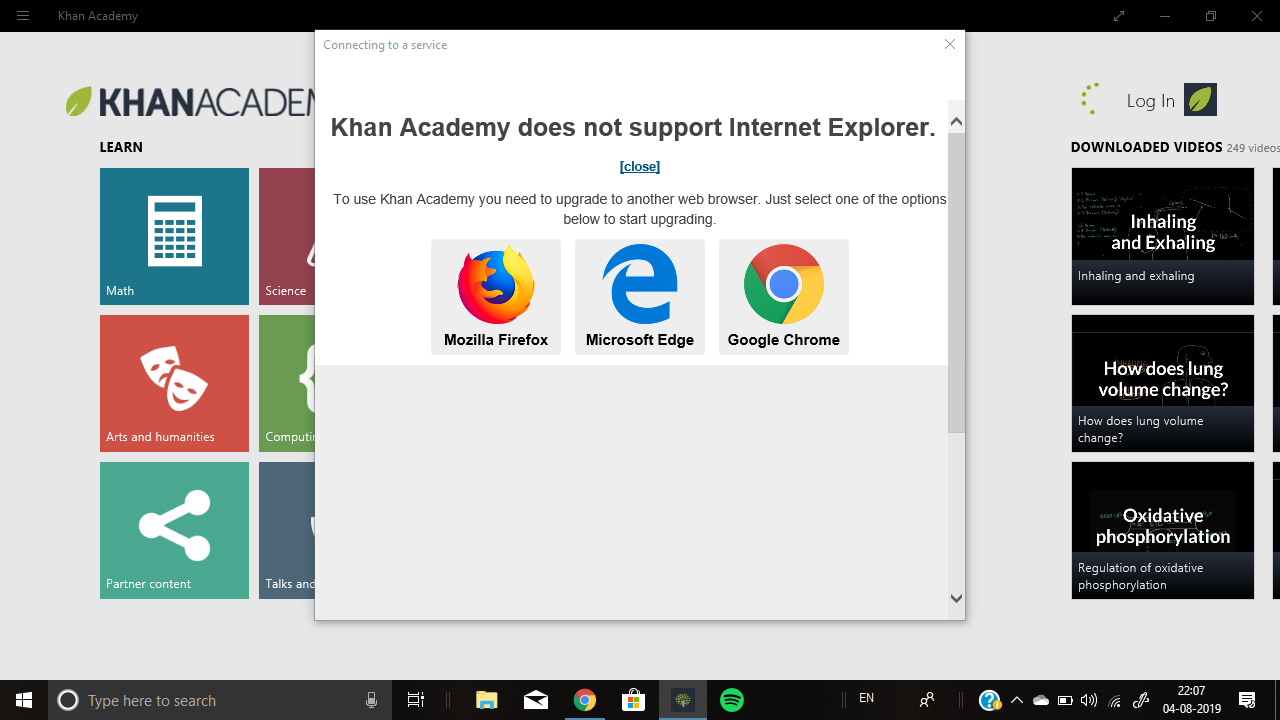
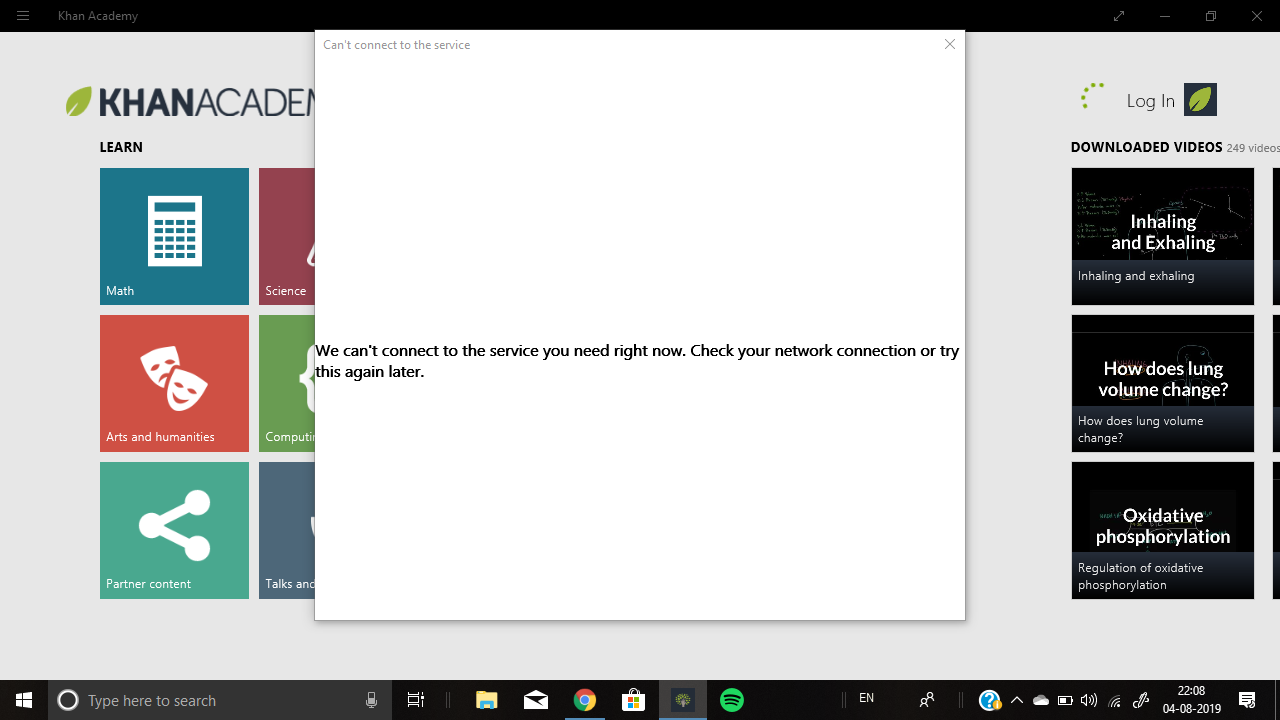
I think I have seen somewhere in this support community that the Windows app from the Microsoft app store (or whatever it's called) is no longer supported. But as long as you are on a Windows computer with an internet connection, why don't you use the web site (www.khanacademy.org)? Based on my usage of the iPad and Android apps, as well as the web site, I can tell you that you can do just about everything Khan Academy has to offer (except finding Partner Content easily) on the web version better than you can on an app.
I do know that you can't access the web site from Internet Explorer based on what I've read in the support community. I am a dedicated Chrome user when I get onto my Windows 10 computer (except for a few web sites that don't support this browser). I accidentally tried to access it once when I was in Internet Explorer, so I saw for myself that this browser is not supported by Khan.
If you are using an institutional computer where you can't add products, and you only have the two Microsoft-supplied browsers, try accessing the Khan Academy web site in Edge.
-
Hi everyone!
The Khan Academy app for Windows was discontinued about 3 years ago and is no longer supported. If you'd like to access Khan Academy from a Windows device, you'll need to what Regina recommended and go to www.khanacademy.org in your web browser. Google Chrome works best with Khan Academy, but Safari or Firefox are also good options.
I've also checked with the team to see about removing the Windows app from the Microsoft Store or adding a deprecation notice in order to prevent confusion.
If anyone has any additional questions, please let me know!





Post is afgesloten voor opmerkingen.