How do I create a post?

First, from Learner Home, click your nickname in the top right hand corner. Next, click the "Help" button. After that, use the following steps:
1. Click the "Community" tab in the top left hand corner of the white bar.
2. Choose from several of the various options in links.
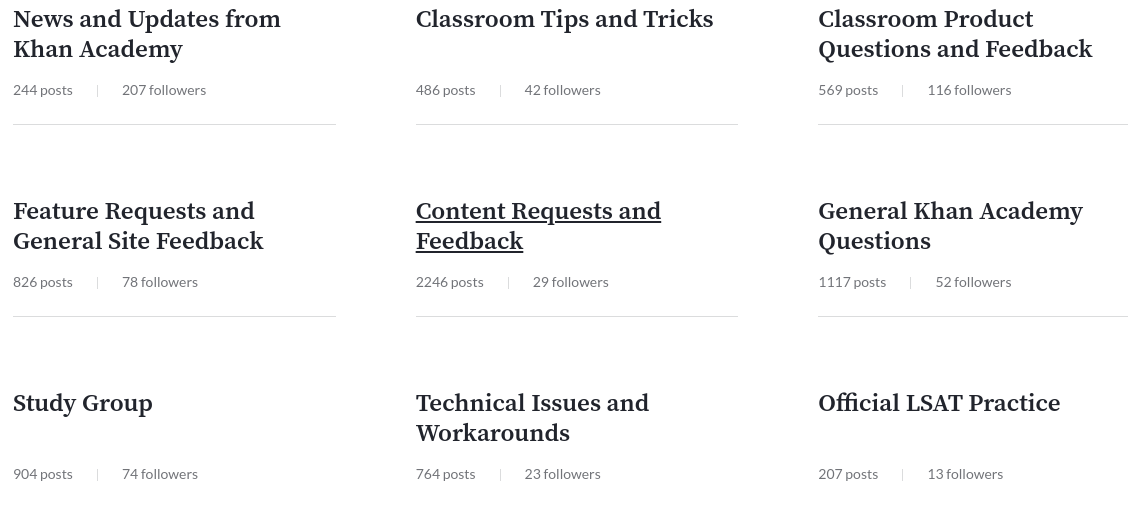
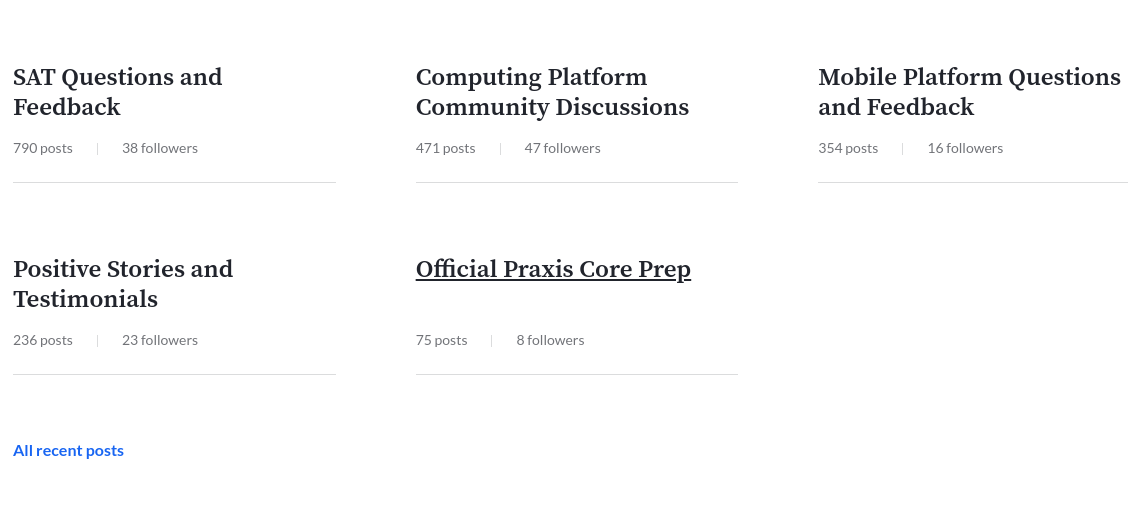
3. Once on one of the links, suppose "General Khan Academy Questions," click on one of the comments/posts.
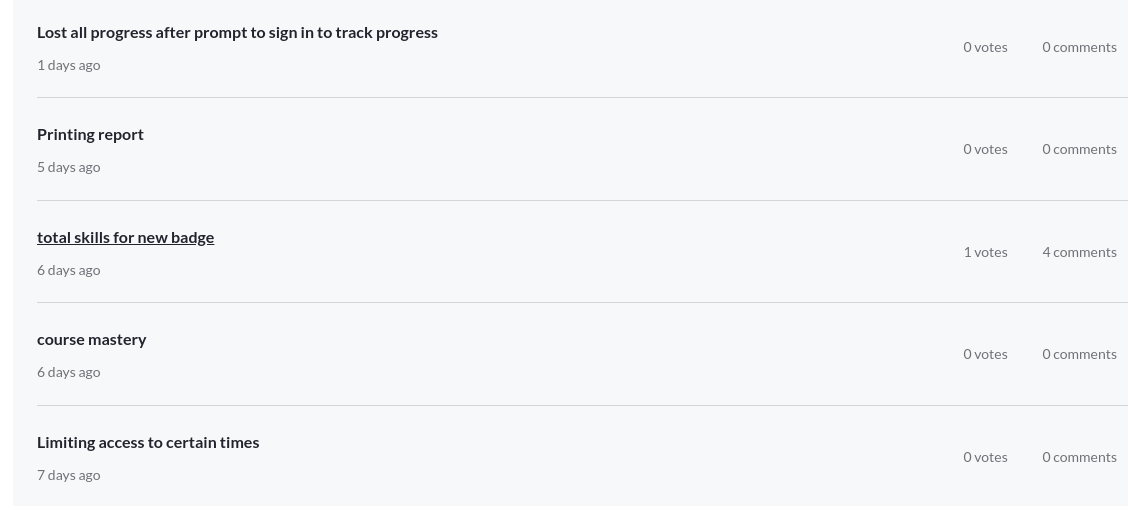
Suppose, "Printing report."
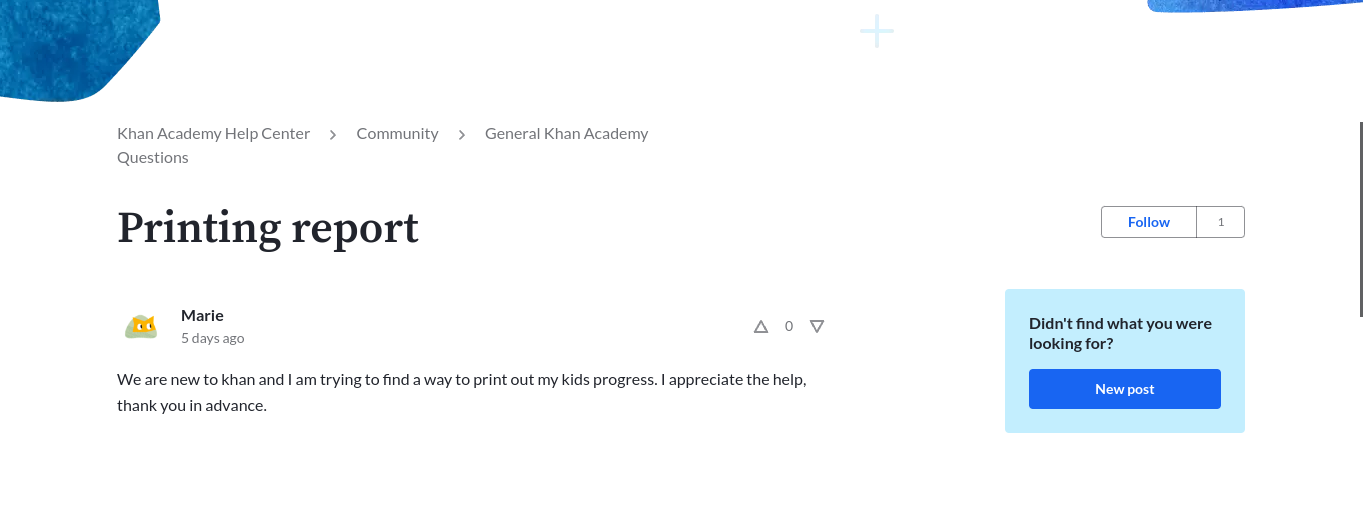
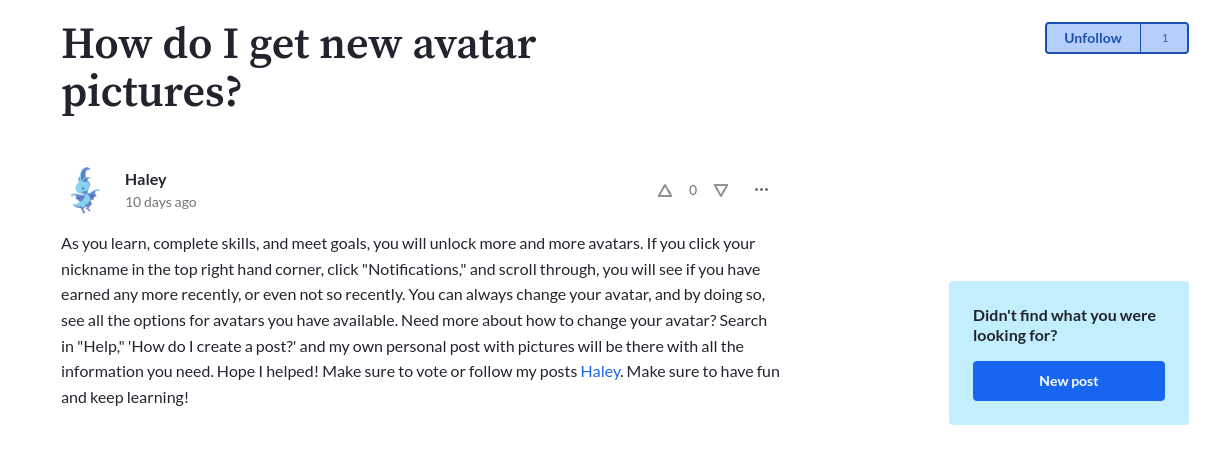
4. Scroll down until you can see, on the right side of your screen, a bright blue button with a caption, reading: "Didn't find what you were looking for? New post"
5. Click "New post."

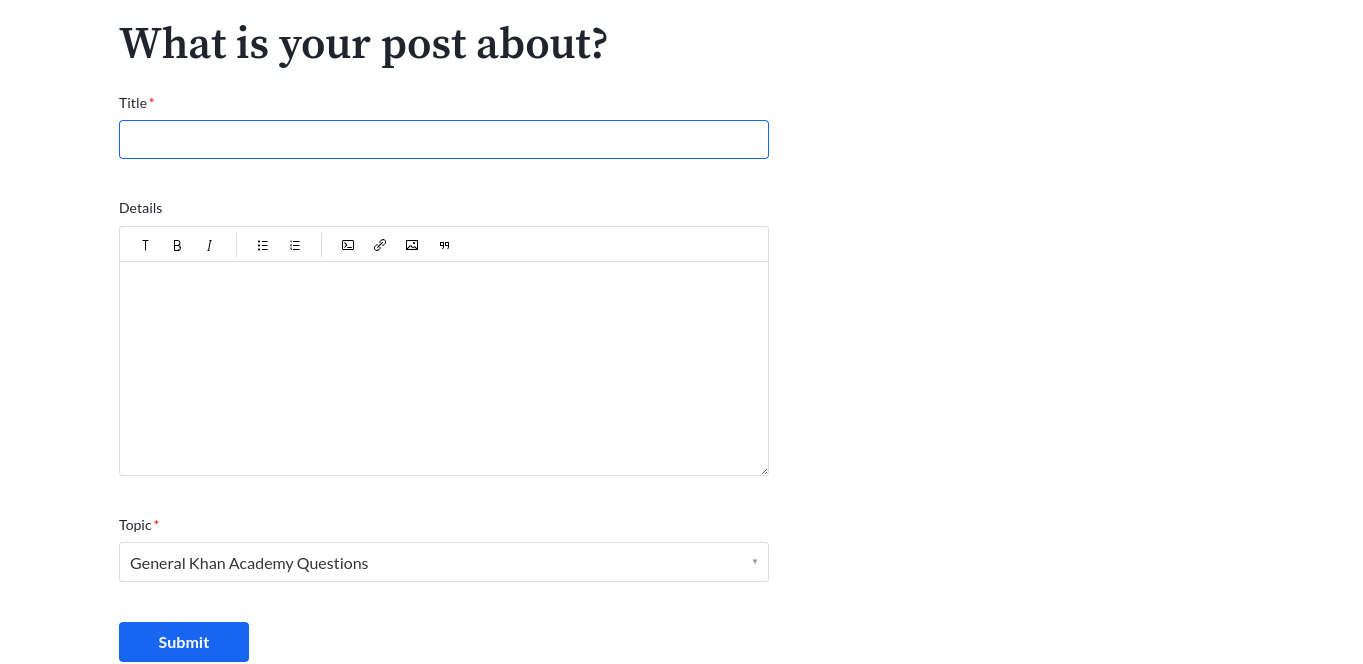
6. Make a title, write your tip or set of directions, and select a category to which your post belongs. It doesn't matter which link you click on (refer to step 2), because you can change it after creating your post, but before you submit it.
Hozzászólások írásához jelentkezzen be.