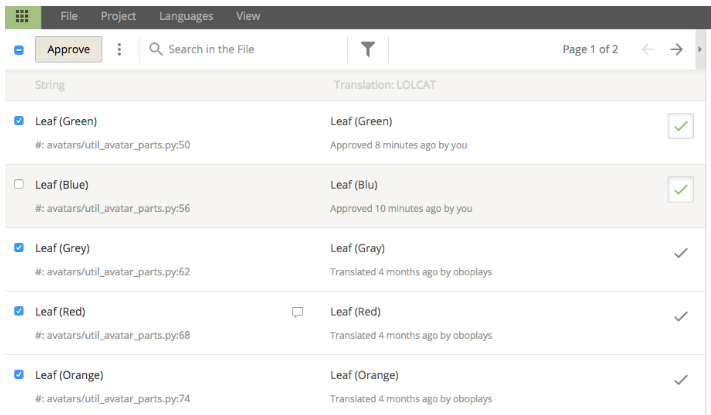
How can I approve strings in bulk?
Updated
You can watch this video or follow these steps:
1) Visit any translation page in Crowdin
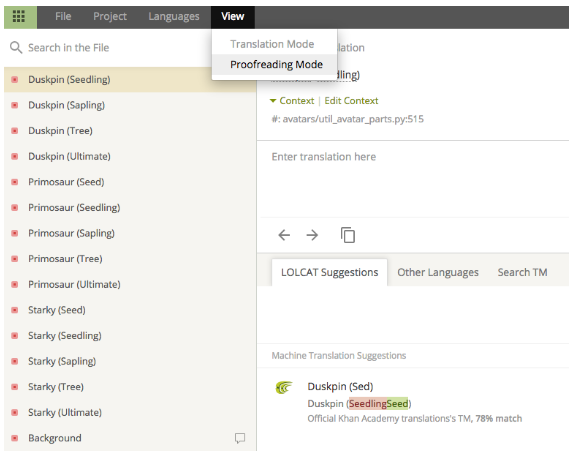
2) Select “View”-”Proofreading Mode”
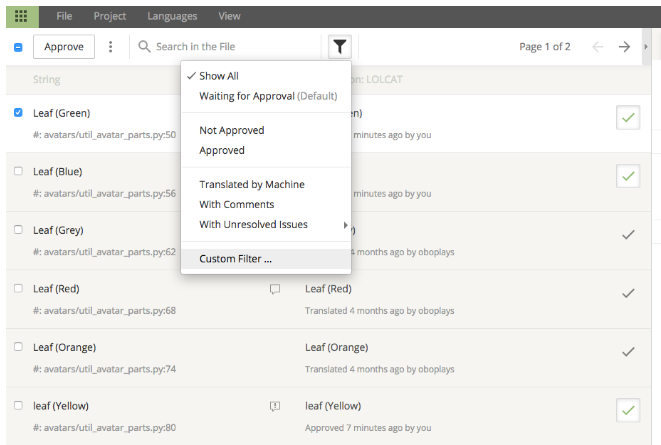
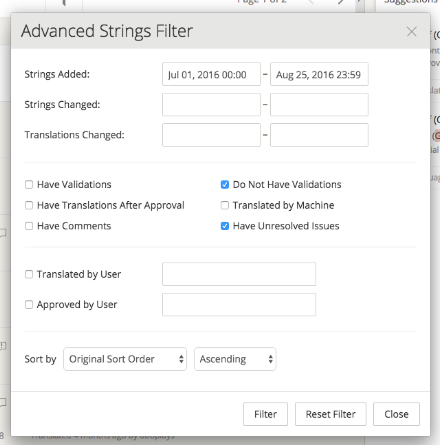
3) Set up your filter
4) Approve all strings left after the filter is added (NB: Be careful to not approve all strings)