How can we help?

Aradığınızı bulamadınız mı?
Yeni gönderi1 yorum
-
Hi catherine.martell,
To change the name of your class, first go to the class page from the teacher dashboard, and then select "Settings" on the right menu. Type in the new class name, and then click "Save" once you are done.
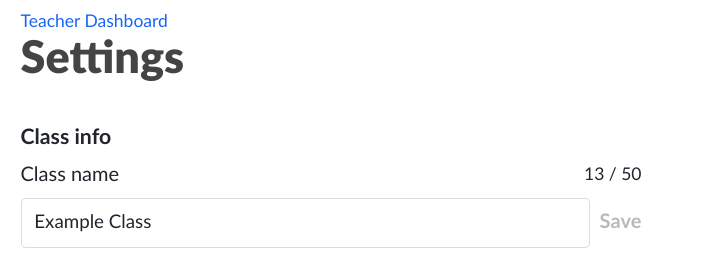
I hope this helps! Please let me know if you have any further questions.

Yorum yazmak için lütfen oturum açın.