Workaround: Accessing Partner Content

A lot of people know that the Partner Content is not easily available in the subjects menu. However, there is one subject that is part of Partner Content and when you click on it, there will be a link. This solution might have been shared somewhere else, but I don't know.
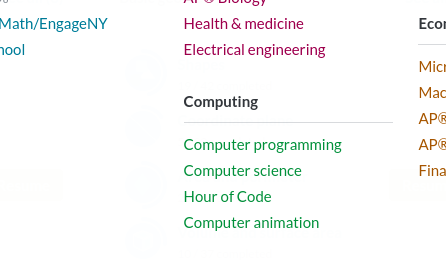
- Start by clicking on the normal subjects menu and go to Computer Animation under Computing.
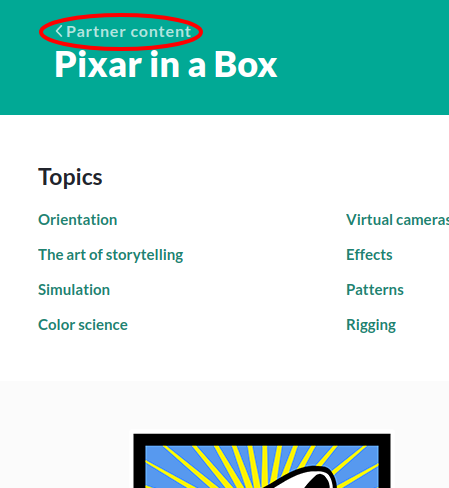
- This will take you to Pixar in a Box. Click on the < Partner Content link.
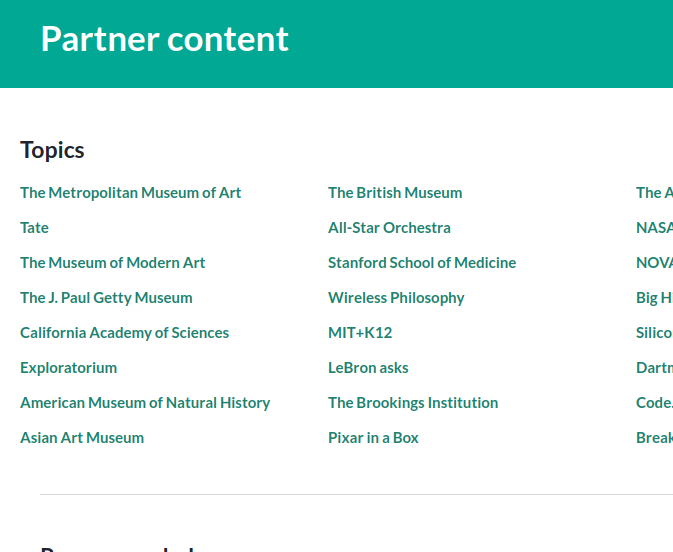
- Great job! You have now gotten to the Partner Content.
 Let me know if this was helpful or if there something that could be added.


La publicación no admite más comentarios.